
Product Centre

Experience the operating model before the conversation

Move from the organisation-wide model to product roles, access steps and genuine available evidence. This is a guided public experience, not a live customer workspace or a promise that every capability is available in every scope.

THE DESKBRIDGE FAMILY

Distinct roles.
One connected working world.

Choose a product to see its role and how it connects. An explanation of the family, not a live product interface.

DESKBRIDGE WORKSPACE

Your working day, connected.

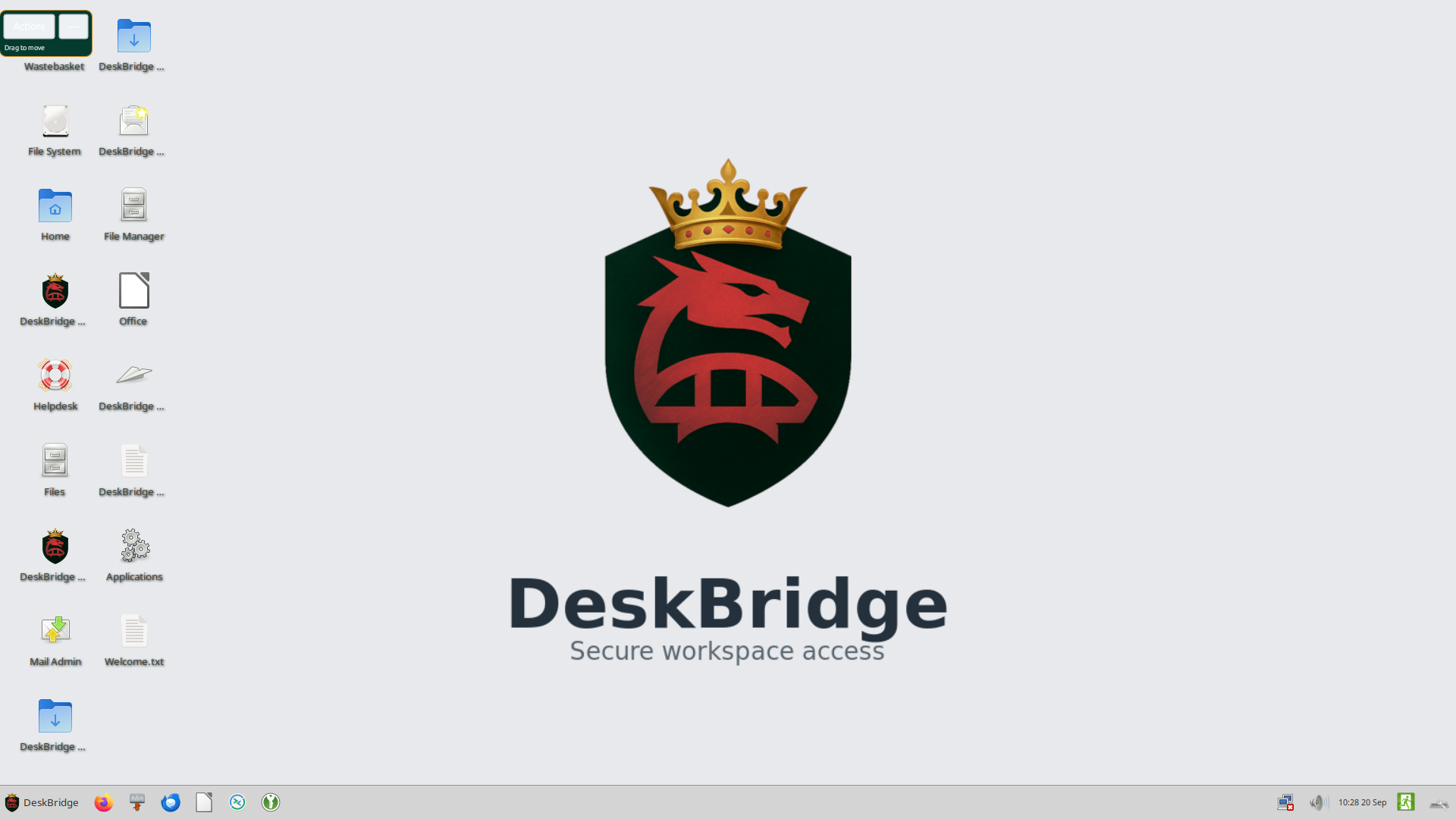
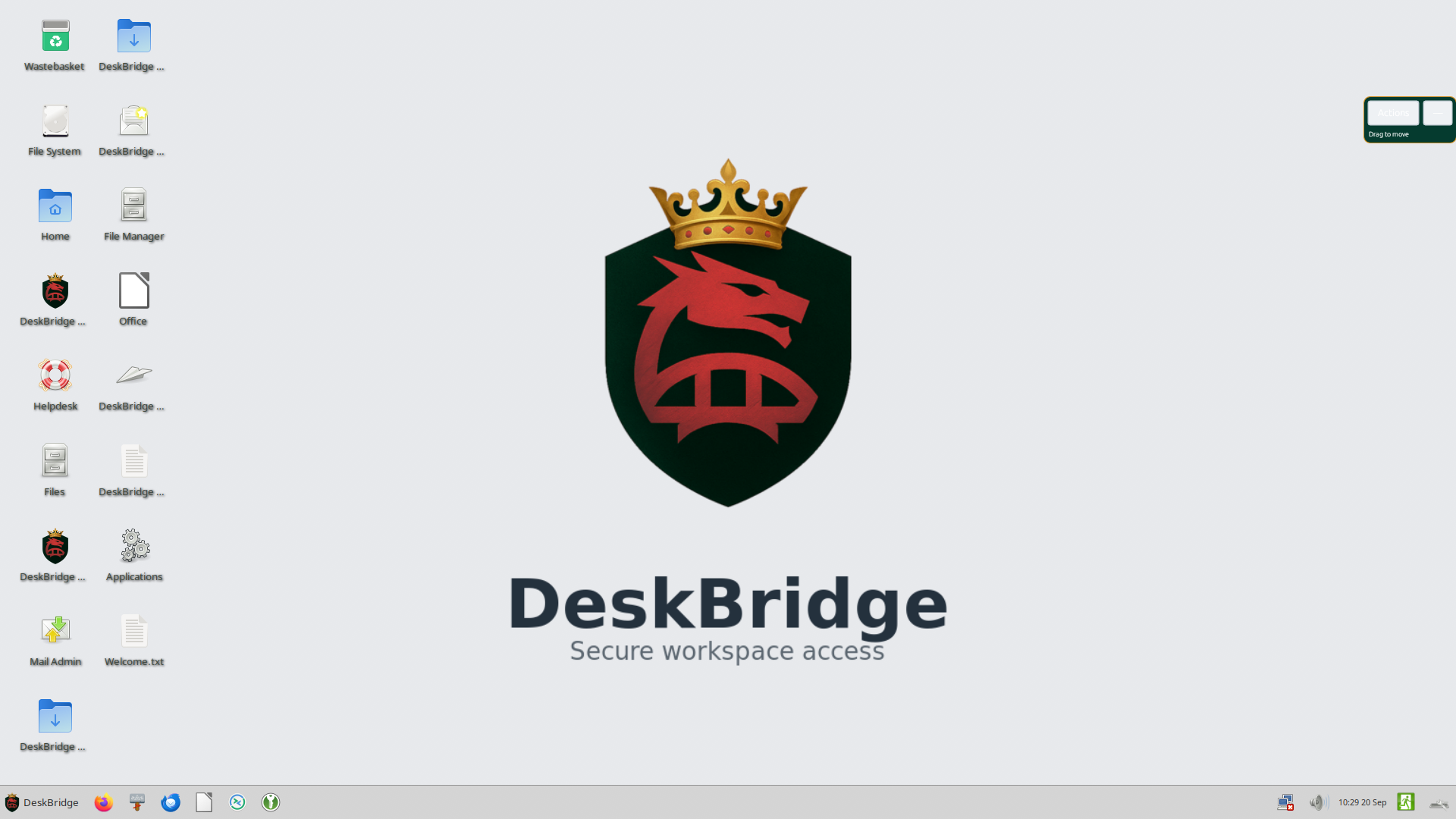
A managed place for your team to access the applications and information in their agreed service. Start with people, their work and the support they need.

  • Managed access
  • Agreed application scope
  • Onboarding and support
Explore Workspace
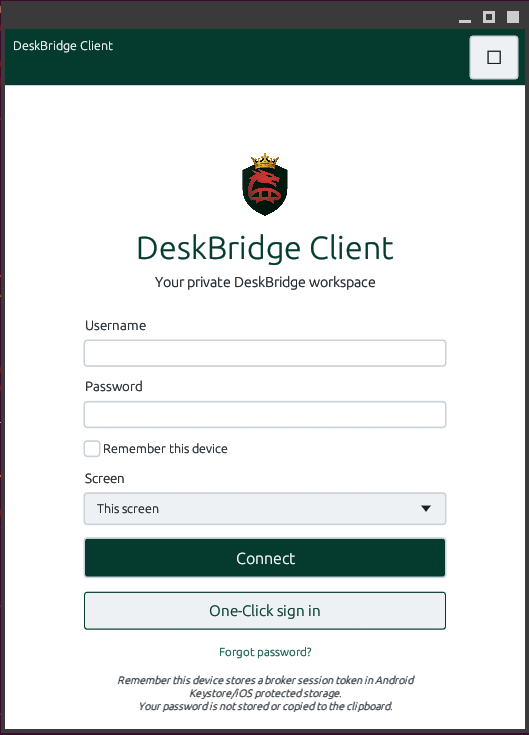
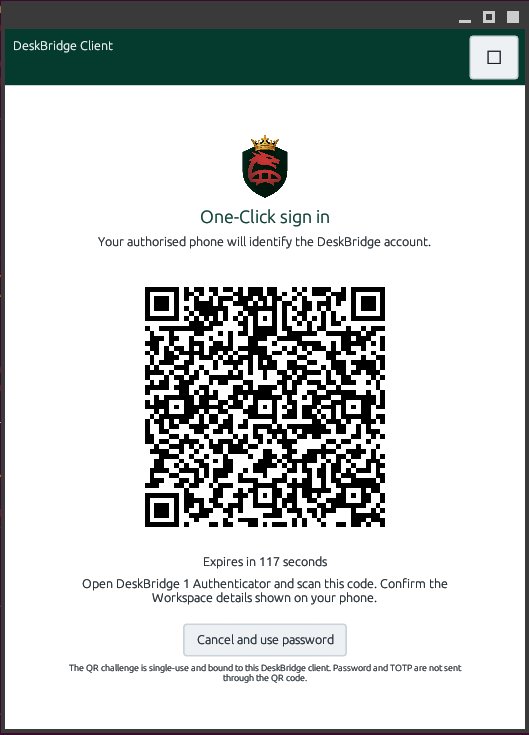
  1. Enrolled device
  2. Policy-based verification
  3. Workspace access

Illustration only. This does not sign you in or run a security check.

ILLUSTRATIVE OPERATING STORY

See the operating model in context.

Choose an organisation pattern to see how roles, assets, work and evidence connect. This is an illustrative operating model using approved terminology, not a live product interface.

Facilities

From people to outcomes

Illustrative facilities operating story, not a live customer environment.

PeopleField teams
AssetsSites and contracts
WorkService requests
EvidenceAccess and work record

Potential outcome Clearer responsibility, work sequence and evidence boundaries, subject to scope confirmation during discovery.

Discuss this pattern

PRODUCT JOURNEY MAPS

From problem to potential outcome.

Choose a module to follow an illustrative path from problem to outcome. These are operating maps, not live product sessions or promises of a specific result.

01CoreManaged access
ProblemManaged access
ProcessNamed request, approval, policy-based session, recorded change
DeskBridge capabilityManaged access within the Workspace
Potential outcomeA consistent accountable route into people and applications

Evidence boundary Illustrative operating journey. The released service defines actual scope.

02FlowProcurement and stock
ProblemProcurement and stock
ProcessPurchase request, independent approval, receipt or stock movement, operational evidence
DeskBridge capabilityConnected purchasing and inventory work
Potential outcomeClearer commitment and operational sequence

Evidence boundary Illustrative workflow. Customer configuration is confirmed during discovery.

03WorkHubWork execution
ProblemWork execution
ProcessProject or task, owner, progress, close and review
DeskBridge capabilityCoordinated work and delivery
Potential outcomeClearer delivery and reviewable responsibility

Evidence boundary Illustrative workflow. Available functions are confirmed during discovery.

04ForgeManufacturing and planning
ProblemManufacturing and planning
ProcessDefinition, plan, work order, quality and production record
DeskBridge capabilityGoverned manufacturing execution
Potential outcomeA stronger link between plan, work and evidence

Evidence boundary Illustrative workflow. It is not a promise of a specific integration.

05LedgerFinancial records
ProblemFinancial records
ProcessRecord or transaction, controls, review, posting and close
DeskBridge capabilityGoverned financial records
Potential outcomeClearer financial evidence and review path

Evidence boundary Illustrative workflow. Scope is confirmed in the service design.

06PeoplePeople process
ProblemPeople process
ProcessPerson, role, approval, change and lifecycle record
DeskBridge capabilityPeople operations connected to access
Potential outcomeClearer responsibility at joiner, mover and leaver events

Evidence boundary Illustrative workflow with explicit customer responsibilities.

07ClaimClaim and evidence
ProblemClaim and evidence
ProcessSubmission, supporting documents, independent review, decision and record
DeskBridge capabilityEvidence-linked claims
Potential outcomeDecisions that are easier to understand and review

Evidence boundary Illustrative workflow. It is not legal or financial advice.

08InsightGoverned analysis
ProblemGoverned analysis
ProcessApproved source, indicator, draft, human review and decision
DeskBridge capabilityEvidence-linked analysis
Potential outcomeBetter visibility without independent execution or an unreviewed automated decision

Evidence boundary Illustrative workflow. Indicators require approved sources.

09VaultProtected document
ProblemProtected document
ProcessDocument, role, access, review and evidence
DeskBridge capabilityDocuments connected to operational context
Potential outcomeClearer access and evidence around protected information

Evidence boundary Illustrative workflow. Retention policy determines actual scope.

10ConnectDelivery and integration
ProblemDelivery and integration
ProcessApproved destination, message or event, state, retry and evidence
DeskBridge capabilityGoverned integrations and delivery
Potential outcomeA clearer view of what was delivered and what needs attention

Evidence boundary Illustrative workflow. Integrations are confirmed in scope.

11EngageRelationship and service
ProblemRelationship and service
ProcessInteraction, owner, action, follow-up and outcome
DeskBridge capabilityCustomer relationships in context
Potential outcomeClearer follow-up and reviewable service work

Evidence boundary Illustrative workflow. It is not a promise of a specific commercial result.

WORKFLOW EVIDENCE CLIPS

See recorded operating workflows.

These are short silent browser recordings from DeskBridge Sovereign evidence packs. Each clip has descriptive captions and an accessible transcript.

These clips are short evidence records, not complete tours or production access. Confirm release, scope and configuration during discovery and onboarding.

RELEASE EVIDENCE

See validated product interfaces.

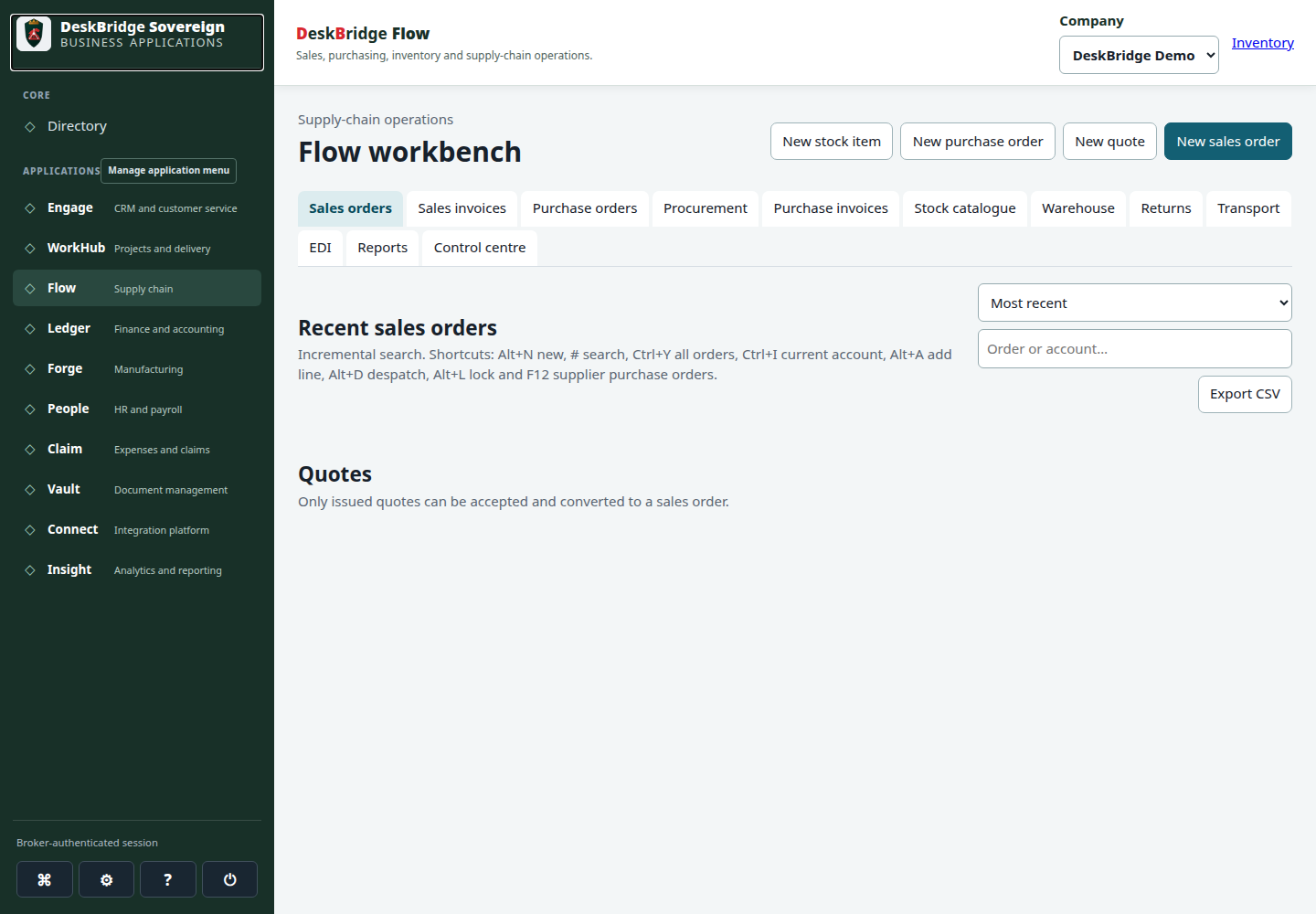
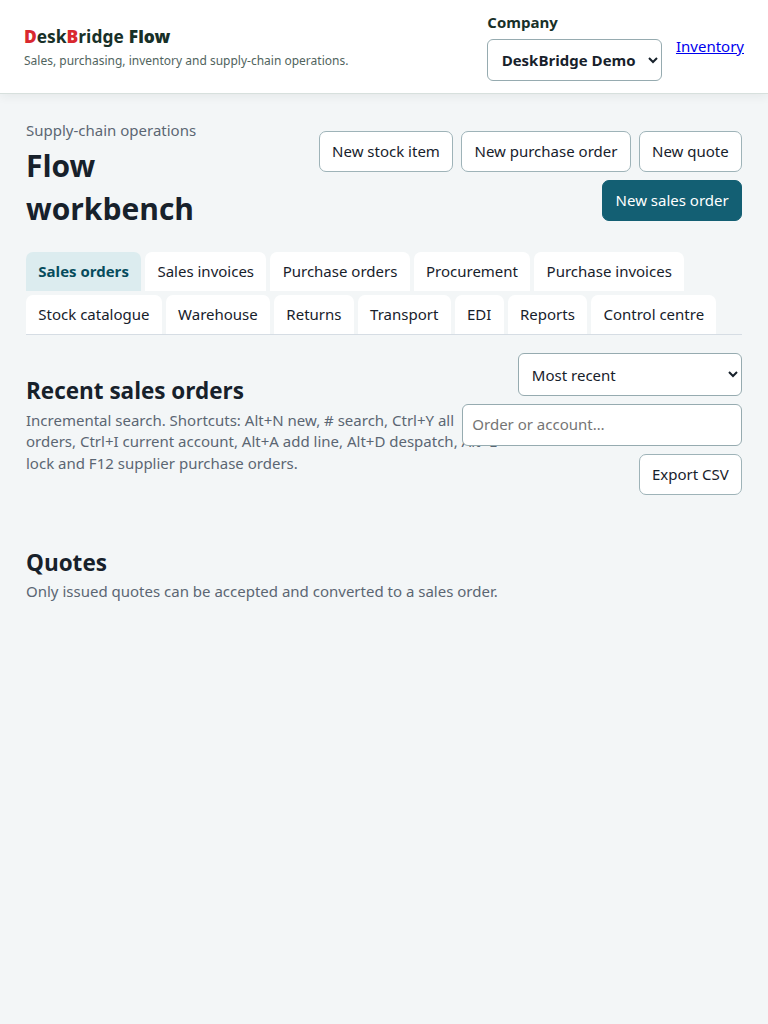
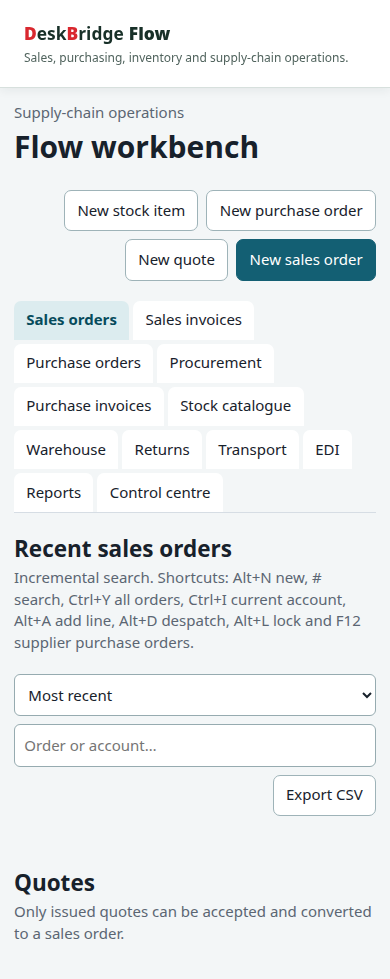
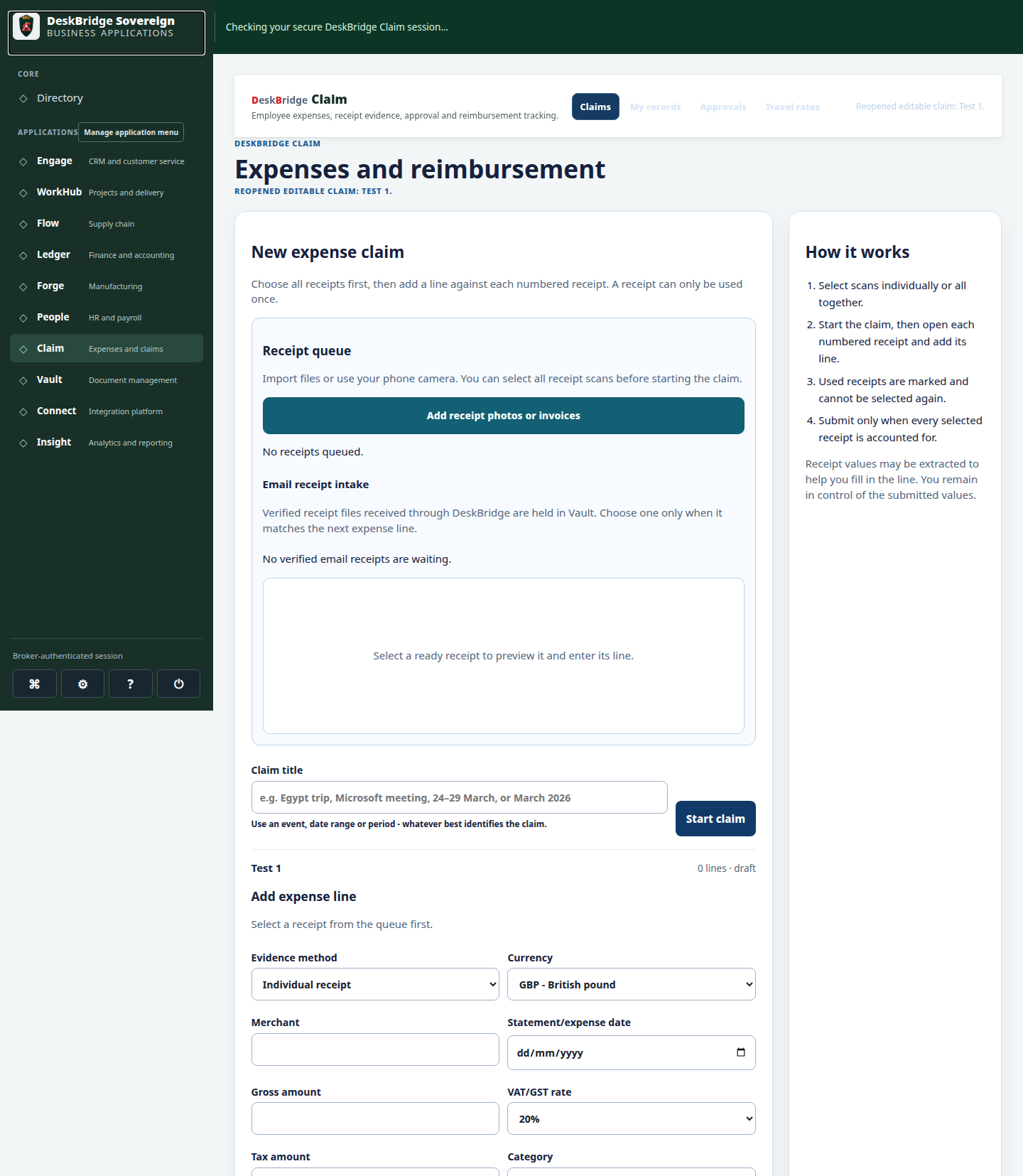
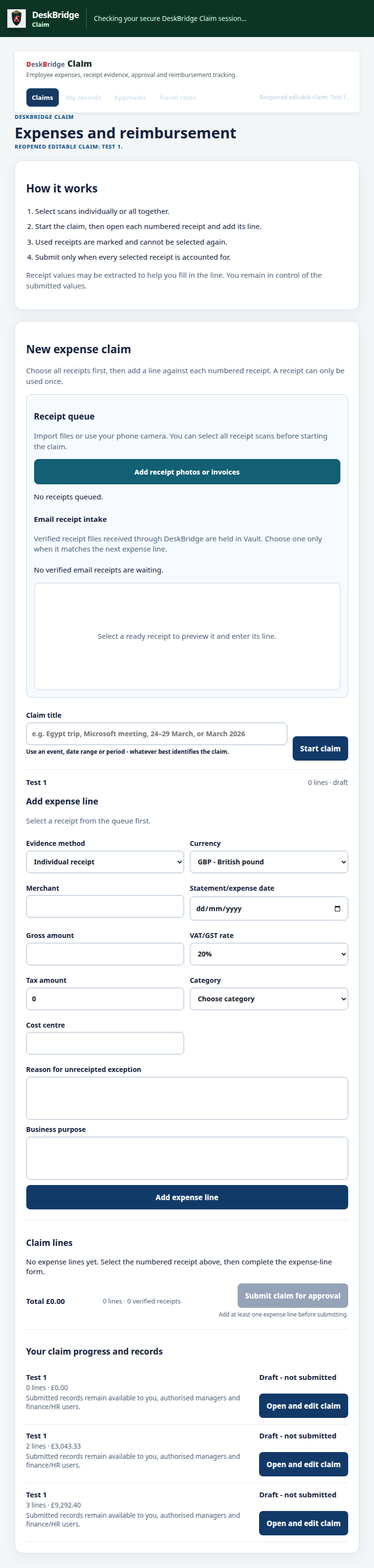
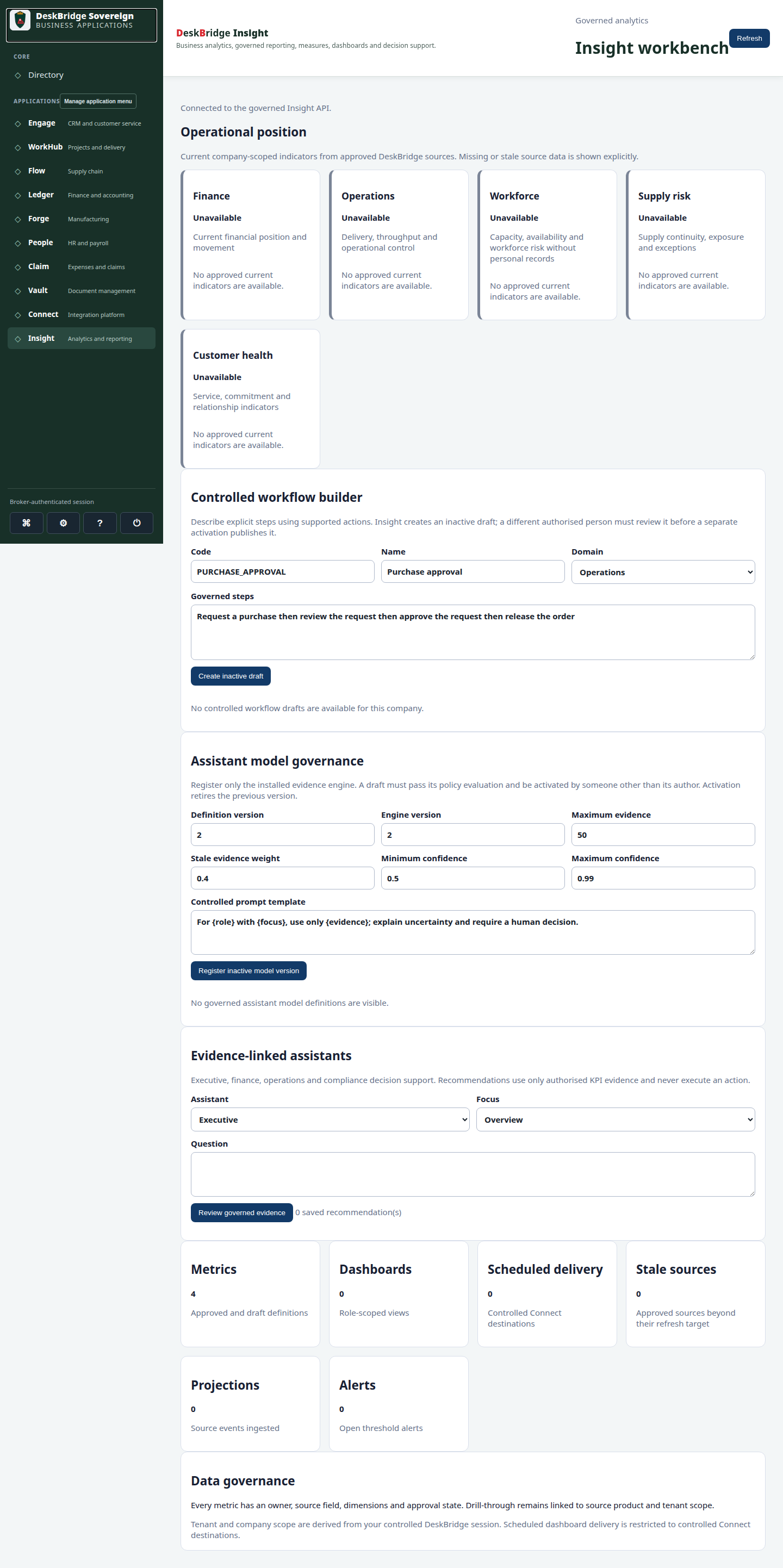
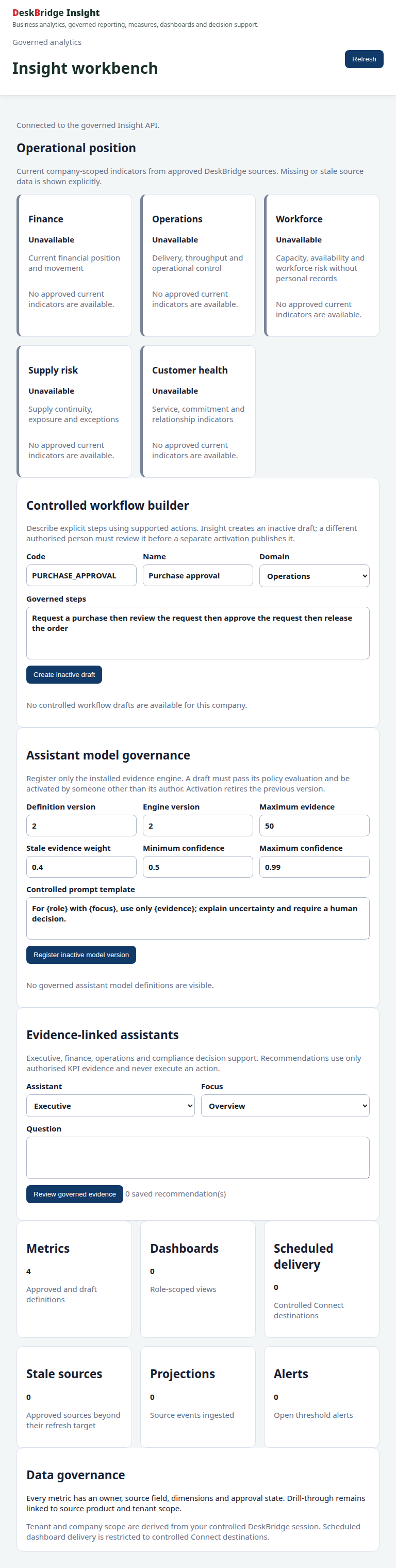
These images come from the 24 August 2026 release-candidate validation matrix. They cover 11 products across desktop, tablet and mobile, and show validated interfaces, not a guarantee of every customer scope or every released function.

Core validated release-candidate interface at Desktop 1440px
CoreAccess and core operations · Desktop 1440pxOpen full-size preview
Core validated release-candidate interface at Tablet 768px
CoreAccess and core operations · Tablet 768pxOpen full-size preview
Core validated release-candidate interface at Mobile 390px
CoreAccess and core operations · Mobile 390pxOpen full-size preview
Flow validated release-candidate interface at Desktop 1440px
FlowInventory and operational workflows · Desktop 1440pxOpen full-size preview
Flow validated release-candidate interface at Tablet 768px
FlowInventory and operational workflows · Tablet 768pxOpen full-size preview
Flow validated release-candidate interface at Mobile 390px
FlowInventory and operational workflows · Mobile 390pxOpen full-size preview
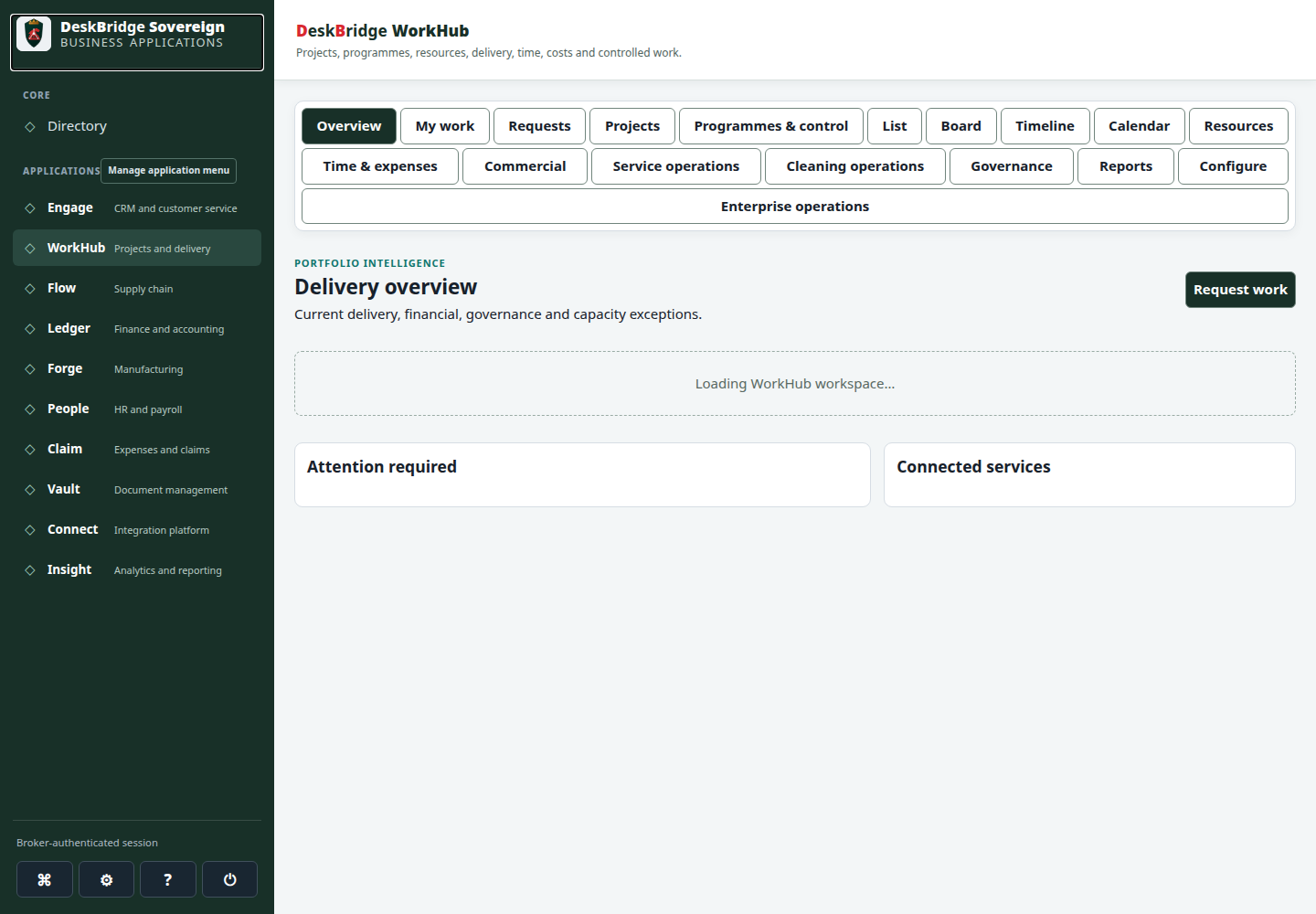
WorkHub validated release-candidate interface at Desktop 1440px
WorkHubWork, projects and execution · Desktop 1440pxOpen full-size preview
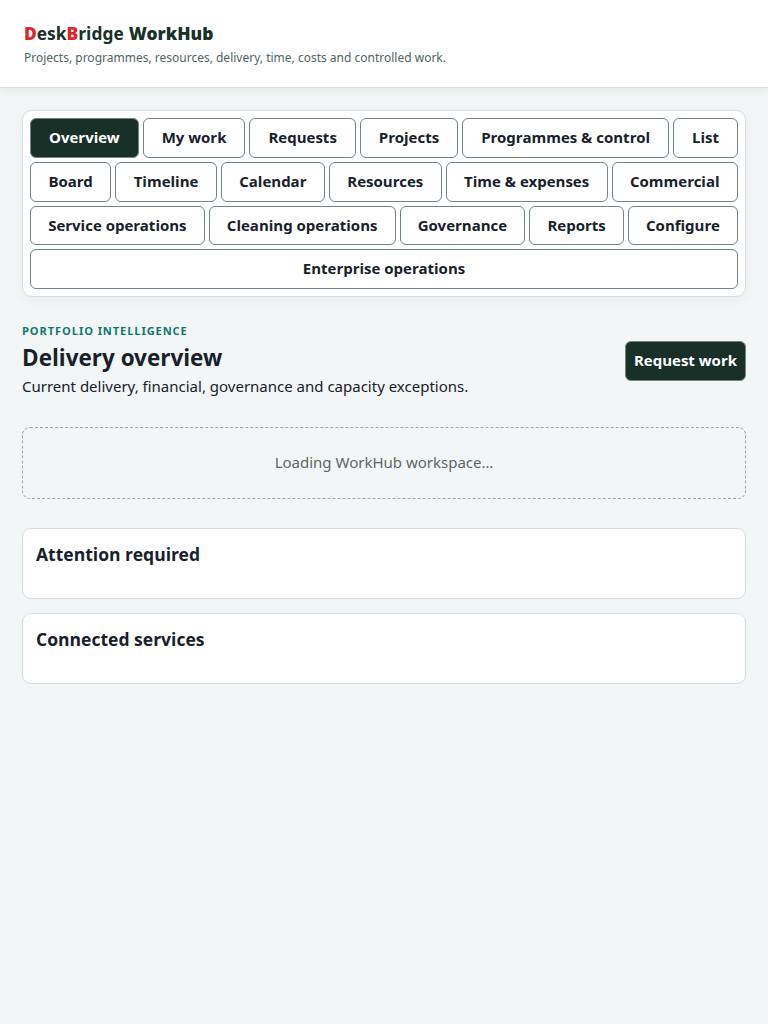
WorkHub validated release-candidate interface at Tablet 768px
WorkHubWork, projects and execution · Tablet 768pxOpen full-size preview
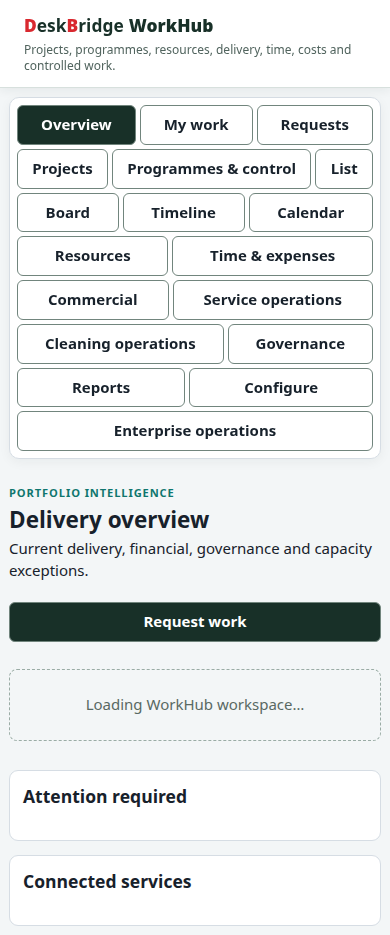
WorkHub validated release-candidate interface at Mobile 390px
WorkHubWork, projects and execution · Mobile 390pxOpen full-size preview
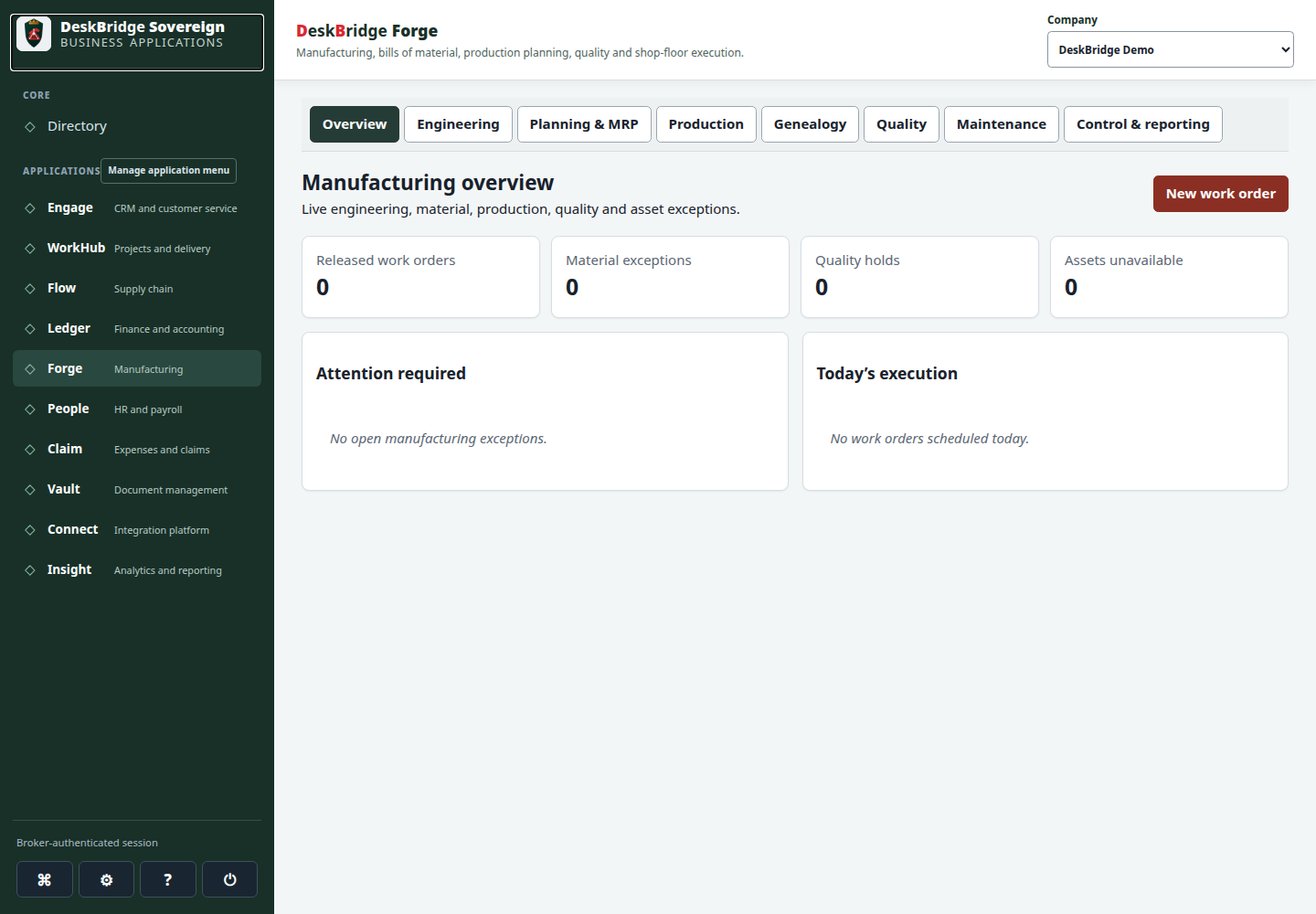
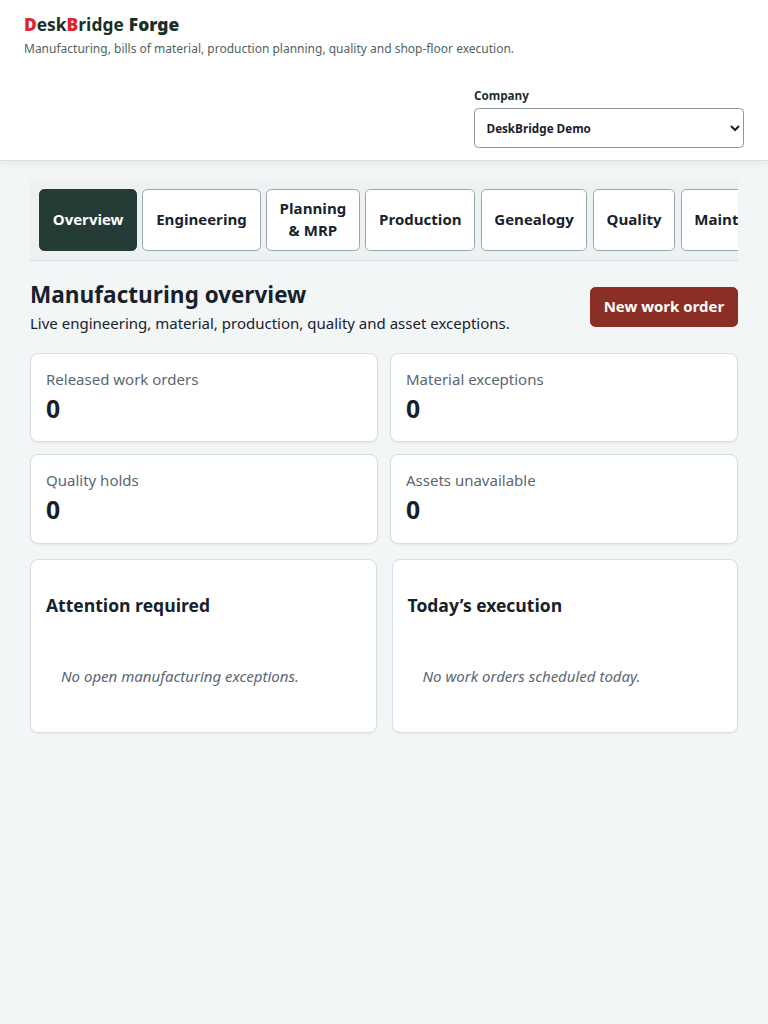
Forge validated release-candidate interface at Desktop 1440px
ForgeManufacturing, planning and execution · Desktop 1440pxOpen full-size preview
Forge validated release-candidate interface at Tablet 768px
ForgeManufacturing, planning and execution · Tablet 768pxOpen full-size preview
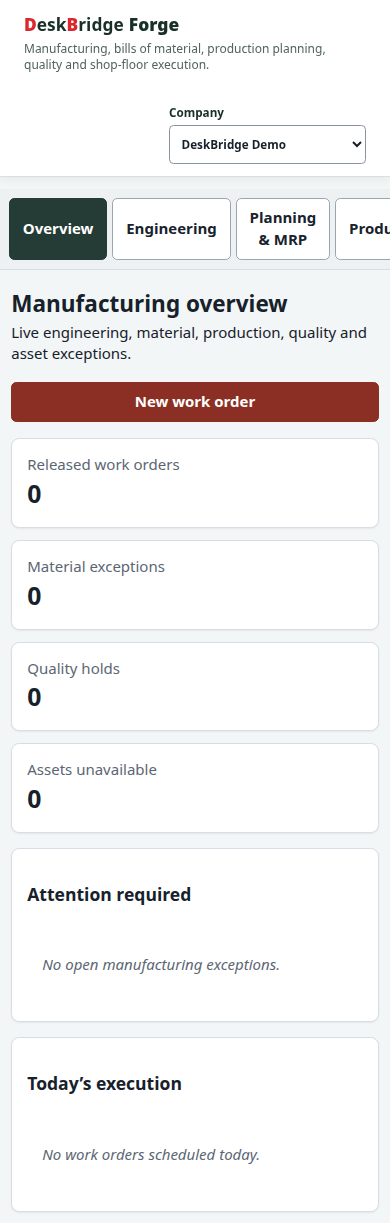
Forge validated release-candidate interface at Mobile 390px
ForgeManufacturing, planning and execution · Mobile 390pxOpen full-size preview
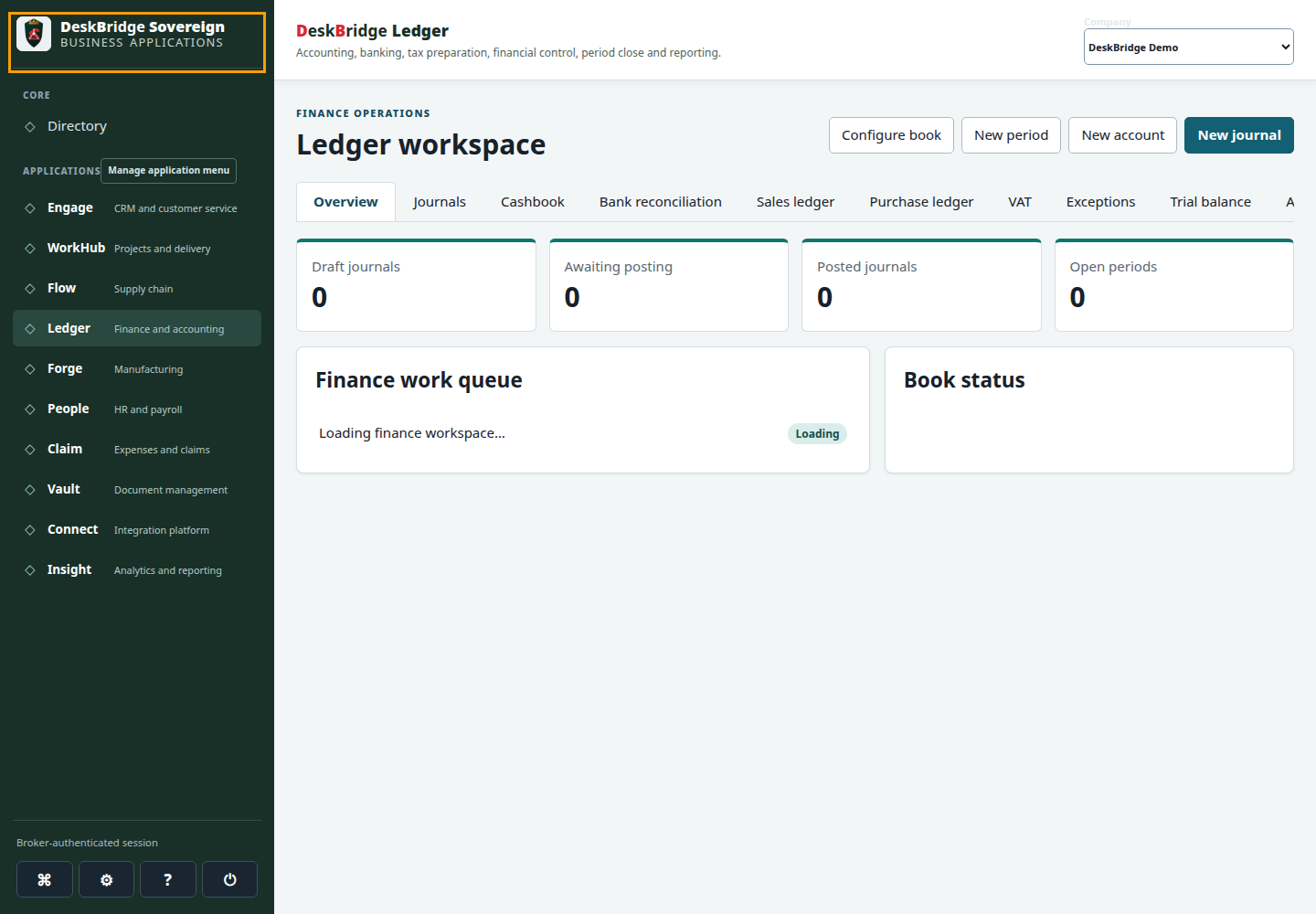
Ledger validated release-candidate interface at Desktop 1440px
LedgerRecords and financial controls · Desktop 1440pxOpen full-size preview
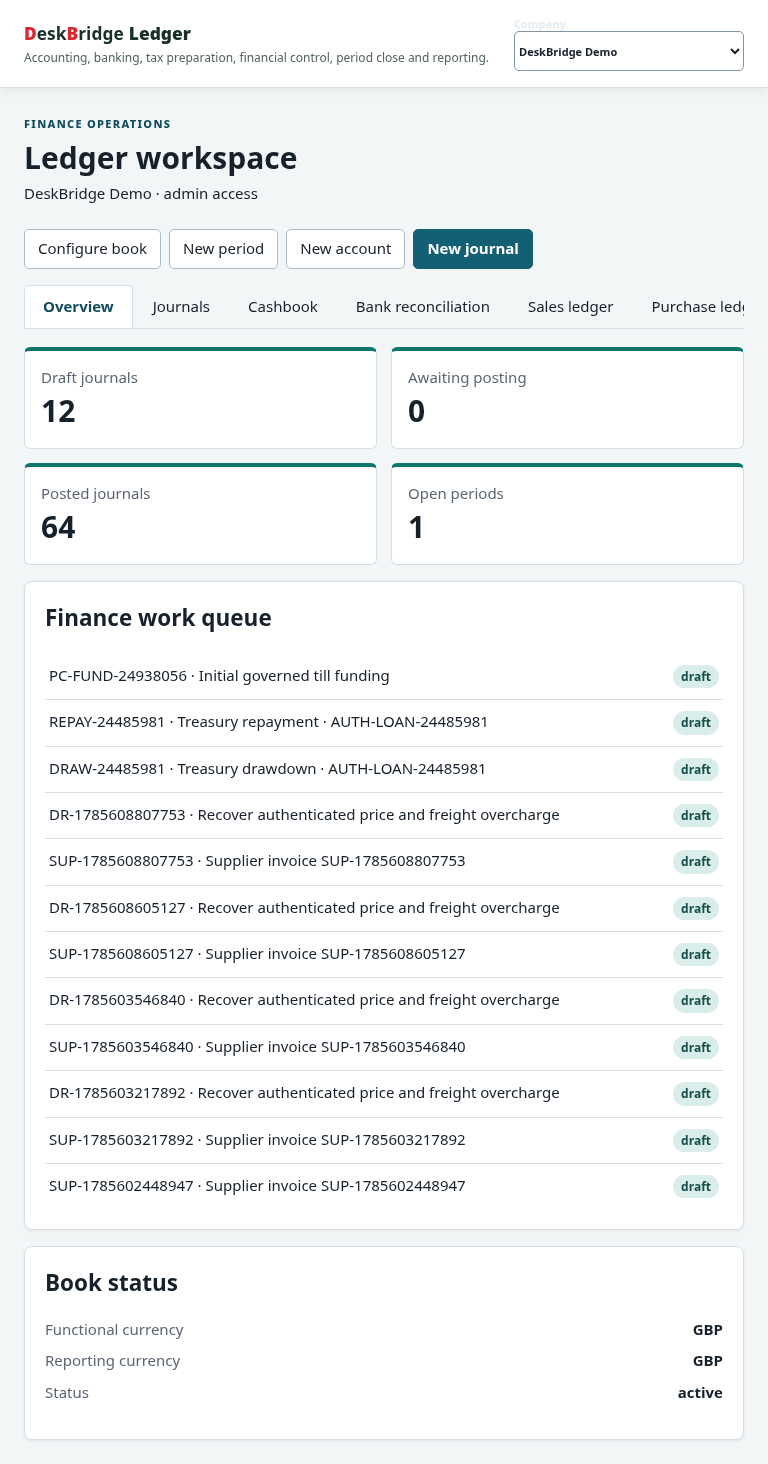
Ledger validated release-candidate interface at Tablet 768px
LedgerRecords and financial controls · Tablet 768pxOpen full-size preview
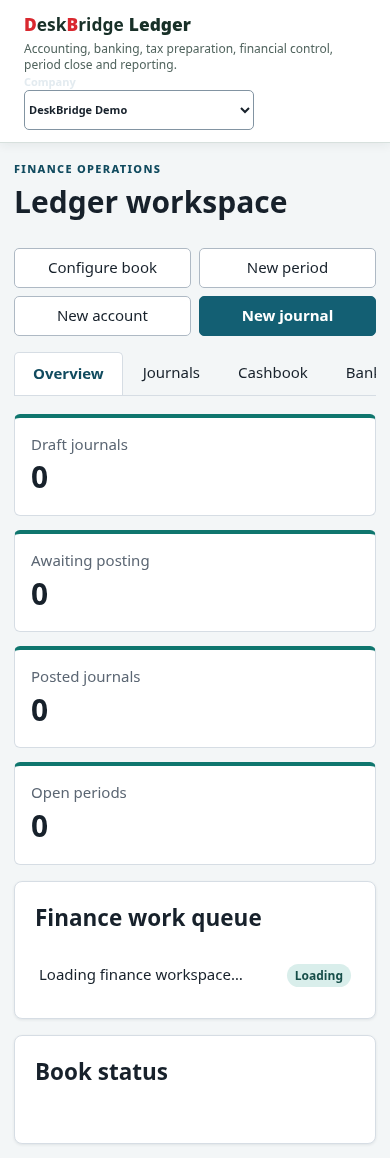
Ledger validated release-candidate interface at Mobile 390px
LedgerRecords and financial controls · Mobile 390pxOpen full-size preview
People validated release-candidate interface at Desktop 1440px
PeoplePeople operations · Desktop 1440pxOpen full-size preview
People validated release-candidate interface at Tablet 768px
PeoplePeople operations · Tablet 768pxOpen full-size preview
People validated release-candidate interface at Mobile 390px
PeoplePeople operations · Mobile 390pxOpen full-size preview
Claim validated release-candidate interface at Desktop 1440px
ClaimClaims and evidence · Desktop 1440pxOpen full-size preview
Claim validated release-candidate interface at Tablet 768px
ClaimClaims and evidence · Tablet 768pxOpen full-size preview
Claim validated release-candidate interface at Mobile 390px
ClaimClaims and evidence · Mobile 390pxOpen full-size preview
Insight validated release-candidate interface at Desktop 1440px
InsightAnalytics and governed assistance · Desktop 1440pxOpen full-size preview
Insight validated release-candidate interface at Tablet 768px
InsightAnalytics and governed assistance · Tablet 768pxOpen full-size preview
Insight validated release-candidate interface at Mobile 390px
InsightAnalytics and governed assistance · Mobile 390pxOpen full-size preview
Vault validated release-candidate interface at Desktop 1440px
VaultDocument and access context · Desktop 1440pxOpen full-size preview
Vault validated release-candidate interface at Tablet 768px
VaultDocument and access context · Tablet 768pxOpen full-size preview
Vault validated release-candidate interface at Mobile 390px
VaultDocument and access context · Mobile 390pxOpen full-size preview
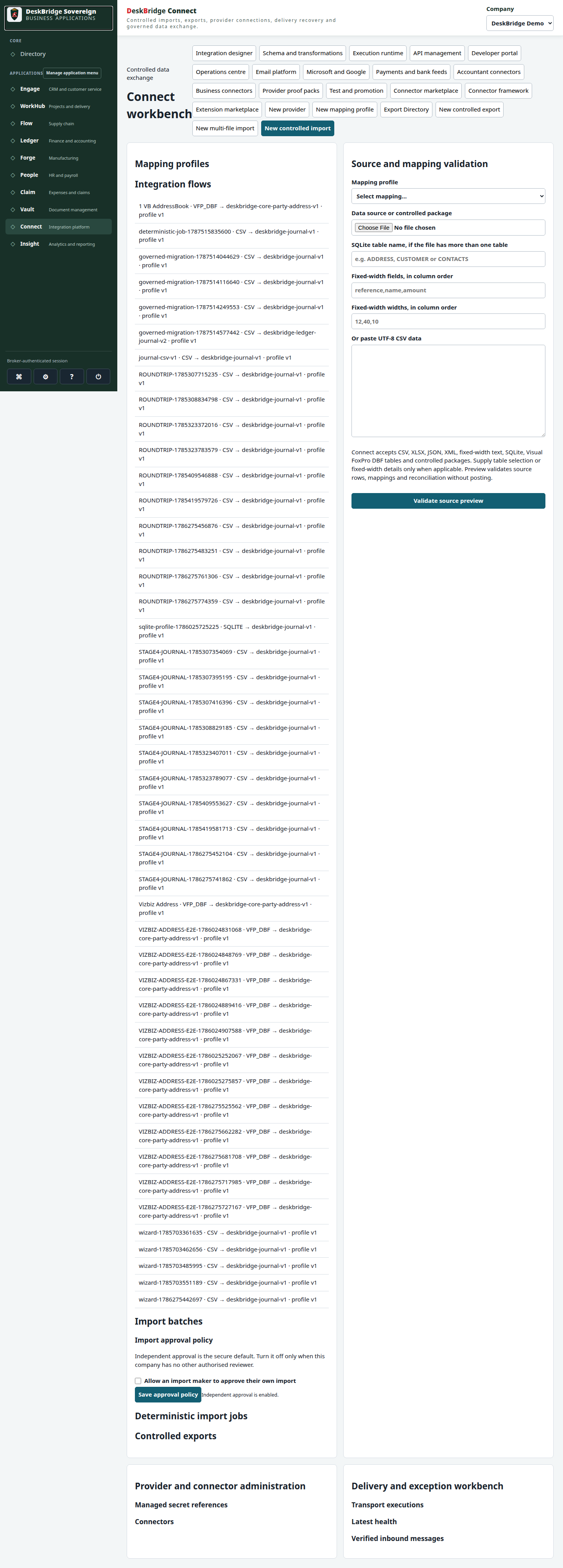
Connect validated release-candidate interface at Desktop 1440px
ConnectIntegrations and delivery · Desktop 1440pxOpen full-size preview
Connect validated release-candidate interface at Tablet 768px
ConnectIntegrations and delivery · Tablet 768pxOpen full-size preview
Connect validated release-candidate interface at Mobile 390px
ConnectIntegrations and delivery · Mobile 390pxOpen full-size preview
Engage validated release-candidate interface at Desktop 1440px
EngageRelationships and customer service · Desktop 1440pxOpen full-size preview
Engage validated release-candidate interface at Tablet 768px
EngageRelationships and customer service · Tablet 768pxOpen full-size preview
Engage validated release-candidate interface at Mobile 390px
EngageRelationships and customer service · Mobile 390pxOpen full-size preview

Previews demonstrate validated assets and do not by themselves establish every feature or every customer scope.

Request the controlled evidence pack

Three levels of product understanding

  • Guided overview: see how Workspace, Sovereign, Guardian and Authenticator fit together
  • Role and workflow view: follow the path from people and work to applications, control and evidence
  • Qualified demonstration: request a scoped conversation when you need a deeper walkthrough or controlled product access

How to read the evidence

Published previews are labelled as genuine product assets, illustrative explainers or service-boundary information. They do not establish every feature, customer scope, integration or production readiness state. The right next step is to match the evidence to your roles, data and agreed service design.

Next step

Take the next step with context

Use the estimator for a first pricing view, then request a demonstration for the workflows and responsibilities that matter to your organisation.